Storing workstations and IT assets during an office renovation requires careful planning to ensure their safety and accessibility. Selecting the right storage solution is crucial for maintaining the integrity and functionality of your equipment.
Key Takeaways
- Choose between self-storage units and professional warehousing based on security and accessibility needs.
- Consider security features, climate control, and accessibility when selecting a storage solution.
- Prepare IT assets by managing inventory and ensuring proper packaging.
- Avoid common storage mistakes, such as poor labeling or inadequate insurance coverage.
- Plan for the retrieval and reinstallation of IT assets post-renovation by coordinating with service providers and testing equipment.
Secure Storage Options for IT Assets
Self-Storage Units
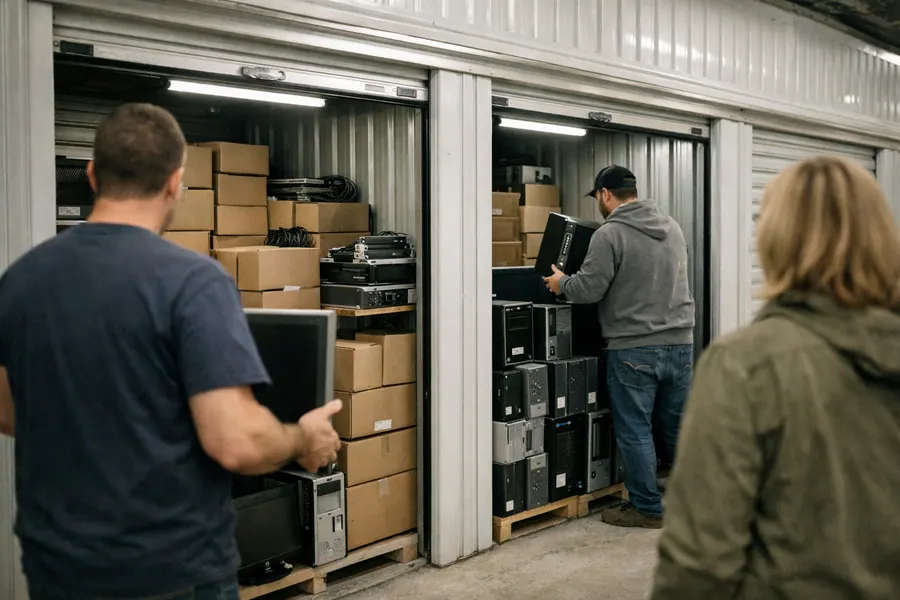
Self-storage units offer a flexible and cost-effective solution for storing workstations and IT assets. These units are available in various sizes, making it easy to find one that fits your needs. Ensure the facility provides adequate security measures such as surveillance cameras and 24/7 access control. However, be mindful that self-storage may not always offer climate control, which can be essential for certain types of IT equipment.
Professional Warehousing
Professional warehousing offers specialized storage solutions with enhanced security and management. These facilities often provide climate-controlled environments, crucial for sensitive IT assets. Access to professional handling and inventory management services can further ensure the safety and condition of your equipment. Warehousing may also offer tailored insurance options to cover high-value items, providing additional peace of mind.
Factors to Consider When Choosing a Storage Solution
Security Features
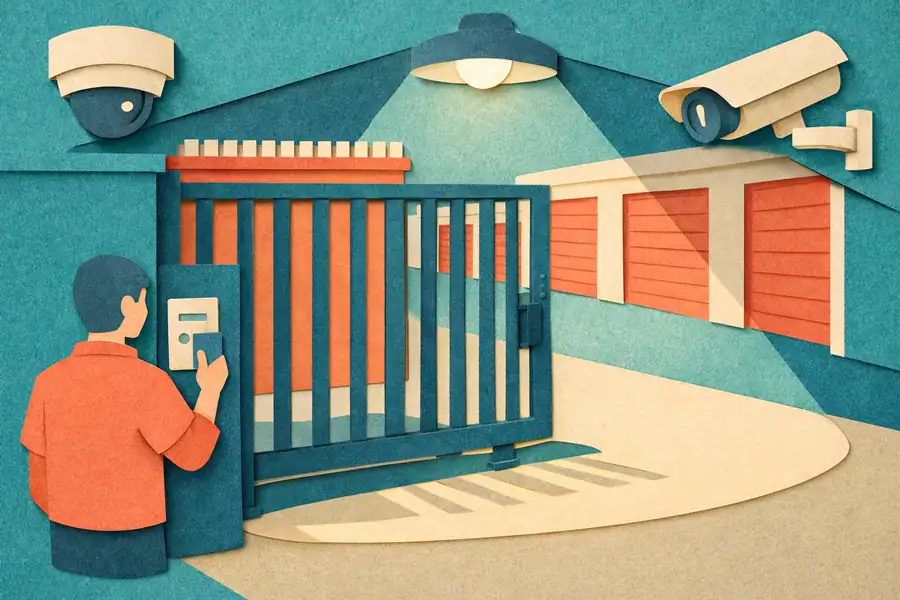
Security is a top priority when storing valuable IT assets. Look for features like CCTV surveillance, secure entry systems, and on-site security personnel. These measures help protect your equipment from theft and unauthorized access. Assess the facility’s history of security breaches if possible, as past incidents can be indicative of future risks.
Climate Control
IT assets are sensitive to temperature and humidity changes. Choose a storage solution that offers climate control to prevent damage from environmental factors. This feature is particularly important for electronic equipment and servers. Facilities with advanced climate control systems can adjust settings based on seasonal changes, ensuring consistent protection.
Accessibility
Consider how often you need access to your stored items. Some facilities offer 24/7 access, while others may have restricted hours. Evaluate your needs and choose a solution that provides convenient access to your workstations and IT assets. For businesses with unpredictable schedules, facilities with more flexible access times can be highly beneficial.
Preparing IT Assets for Storage
Inventory Management
Effective inventory management is essential for tracking your IT assets during storage. Create a detailed inventory list with descriptions and serial numbers. This list helps maintain organization and simplifies retrieval after the renovation. Digital inventory systems can be particularly useful, allowing for real-time updates and easy access to information.
Proper Packaging
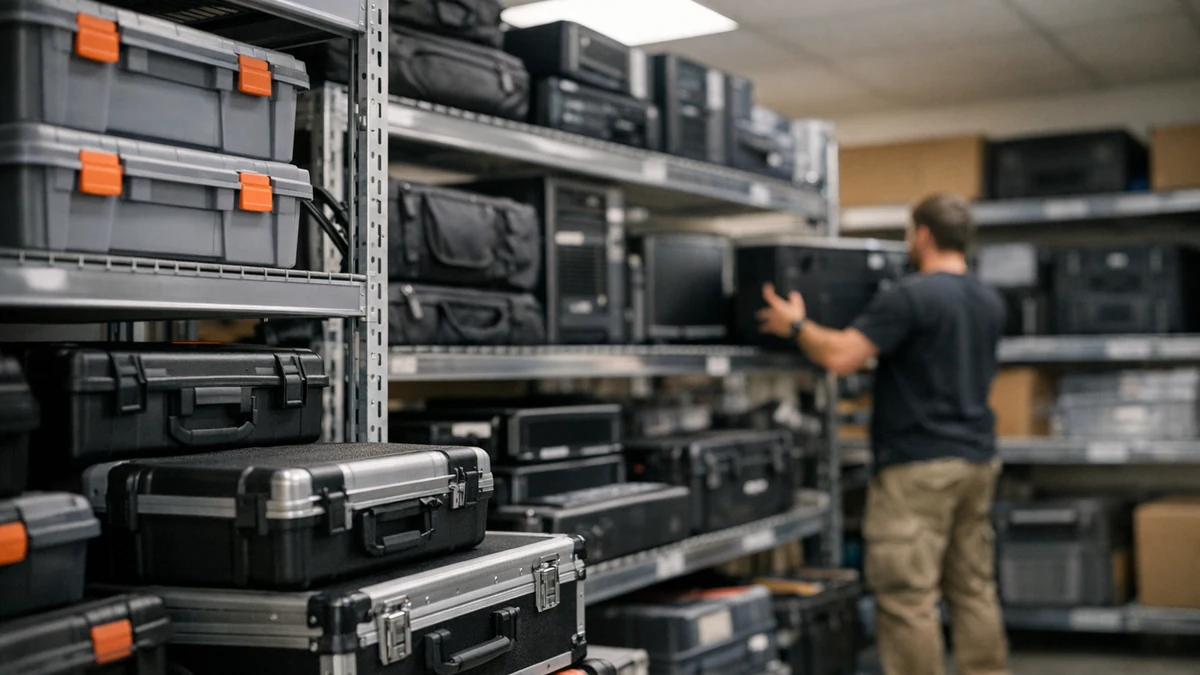
Proper packaging is crucial to protect IT assets from dust, moisture, and physical damage. Use anti-static materials and cushioned packaging for delicate components. Label each package clearly to ensure easy identification and handling. Consider using tamper-evident seals for added security, which can discourage unauthorized access and provide a clear indication if an item has been disturbed.
Common Mistakes to Avoid
Avoid common storage mistakes such as failing to label boxes, neglecting insurance coverage, and not verifying the security of the storage facility. Poor planning can lead to misplaced items and additional costs. Ensure all items are properly prepared and documented before storage. Overlooking the need for regular checks or updates in the inventory can also lead to logistical challenges later on.
Steps to Retrieve and Reinstall IT Assets Post-Renovation
Coordinating with Service Providers
Coordinate with service providers to schedule the retrieval and reinstallation of your IT assets. Clear communication ensures a smooth transition and reduces downtime. Confirm delivery timelines and installation requirements in advance. Make sure to involve IT specialists early in the process to troubleshoot any technical issues promptly.
Testing Equipment
Once reinstalled, test all equipment to verify functionality. Check for any signs of damage that may have occurred during storage. Address any issues promptly to minimize operational disruptions. Ensure that software and firmware updates are completed before resuming full operations to prevent compatibility issues.
Cost Considerations for IT Asset Storage
The cost of storing IT assets varies based on factors such as storage duration, facility type, and additional services like climate control. Compare pricing from multiple providers and consider any hidden fees. Budget for insurance coverage to protect against potential losses. Additionally, evaluate whether the cost of potential downtime due to inadequate storage conditions outweighs the savings from choosing a cheaper option.
Next Steps After Selecting a Storage Solution
After selecting a storage solution, finalize your inventory list and prepare your IT assets for storage. Coordinate logistics with the storage provider and schedule transport. Maintain regular communication with the facility to ensure your items are secure and accessible as needed. Establish a timeline for regular inspections or check-ins with the facility to confirm the ongoing safety of your assets.
Frequently Asked Questions
How long does it take to store IT assets?
The time required to store IT assets depends on the size of your inventory and the level of preparation needed. Typically, the process can be completed within a few days to a week.
Can I access my stored workstations during renovation?
Access depends on the storage facility’s policies. Many offer 24/7 access, while others may have restricted hours. Verify access options before choosing a provider.
What happens if I need to extend the storage period?
If you need to extend the storage period, contact the facility as soon as possible. Most providers can accommodate extensions, though additional fees may apply.
How to ensure data security during storage?
Ensure data security by backing up critical information before storage and using encryption for sensitive data. Choose a storage provider with robust security measures to protect your assets.
What are the costs involved in IT asset storage?
Costs vary based on the type of storage solution, duration, and additional services. Obtain quotes from multiple providers to find a competitive rate that meets your needs.
Can I store other office equipment with workstations?
Yes, most storage facilities can accommodate a variety of office equipment. Ensure all items are properly packed and listed in your inventory for easy retrieval.
What are the best practices for packing IT assets?
Use anti-static and cushioned packaging materials. Label packages clearly and include an inventory list. Ensure delicate components are well-protected from dust and moisture.
How to choose between self-storage and professional warehousing?
Choose self-storage for flexibility and cost-effectiveness. Opt for professional warehousing if you need climate control and specialized handling. Consider security and accessibility when making your decision.
What if I need to retrieve specific items before renovation ends?
If you need to retrieve specific items, contact your storage provider to arrange access. Clear labeling and inventory management facilitate easy retrieval of individual items.
Are there insurance options for stored IT assets?
Yes, many storage providers offer insurance coverage for stored items. Check the terms and conditions to ensure adequate protection for your IT assets.
How to evaluate the security of a storage facility?
Evaluate security by reviewing features such as CCTV, secure access systems, and on-site personnel. Consider the facility’s reputation and customer reviews as well.
What are the climate control options for sensitive equipment?
Climate control options include temperature and humidity regulation. These features protect sensitive equipment from environmental damage during storage.
This article is for informational purposes only. Service availability, pricing, timelines, and features may vary by location and operational requirements. Please contact XtendedSpace for the latest information and customized quotations.