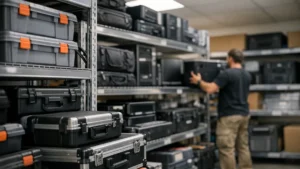

Ensuring the safety of your electronic appliances during moving or renovation requires careful planning and execution. Selecting appropriate packing materials and secure storage options is crucial for preserving your electronics.
Key Takeaways
- Prepare electronics by backing up data and removing batteries.
- Use original packaging or padded boxes for packing.
- Consider climate-controlled storage to prevent damage.
- Avoid common mistakes like exposure to moisture and improper labeling.
- Professional storage services offer enhanced security features.
Quick Tips for Storing Electronics Safely
Preparation Steps
Back up essential data before packing your electronics. Remove batteries to prevent leakage and damage. Label cables and accessories for easy reassembly. This preparation maintains your devices’ condition during storage.
Packing Techniques
Use original packaging if available for the best protection. Otherwise, choose sturdy boxes and use bubble wrap or packing paper for cushioning. Securely pack items to prevent movement during transit.
Consider using anti-static materials, especially for sensitive electronics like computers and servers. Anti-static bags or bubble wrap can prevent damage from static electricity, which is particularly crucial in dry climates.
Choosing the Right Storage Solutions
Self-Storage Units
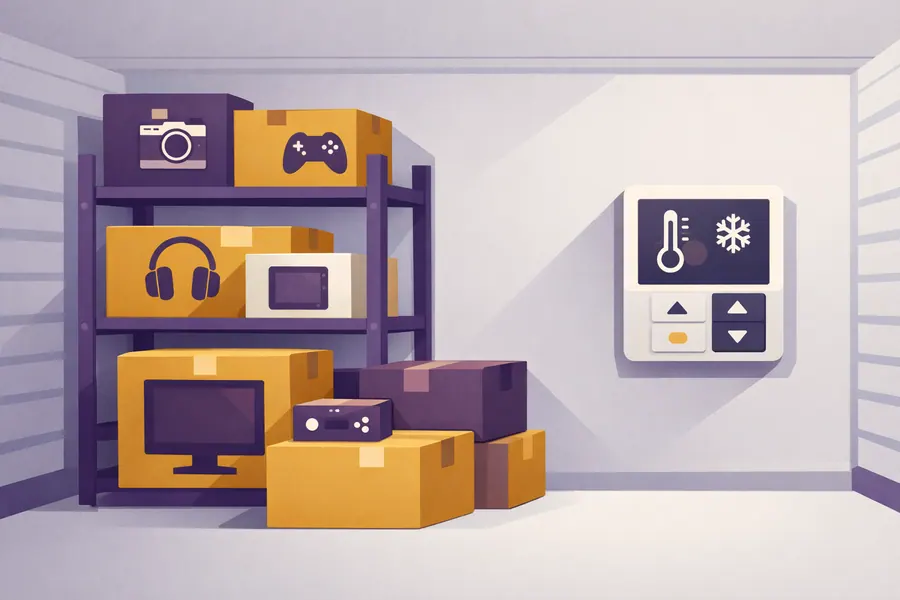
Self-storage units offer flexibility for storing electronics. Choose a unit size that fits your needs and consider climate-controlled options to prevent humidity and temperature-related damage. Self-storage suits those who prefer managing their storage independently.
When selecting a self-storage facility, inspect the unit for cleanliness and ensure it is free from pests. A pest-free environment is essential to avoid damage from rodents or insects, which can be attracted to electronics.
Professional Storage Services
Professional services provide enhanced security, insurance options, and climate control. These are beneficial for high-value electronics or long-term storage. Consult a provider to tailor a solution to your needs.
In addition to security, professional services often offer inventory management systems. These systems help keep track of your stored items, making it easier to retrieve specific electronics when needed. This feature is particularly useful for businesses with large inventories.
Common Mistakes to Avoid When Storing Electronics
Avoid damp environments, as moisture causes irreversible damage. Do not stack heavy items on electronics to prevent physical damage. Always label boxes clearly for proper handling and easy retrieval.
Another common mistake is failing to disconnect all cables and accessories before storage. Leaving cables attached can lead to tangling and potential damage. Ensure all components are individually packed and clearly labeled.
Cost-Effective Storage Options
Budget-Friendly Choices
Consider community storage or shared units to reduce costs, especially for short-term storage. Ensure security measures meet your standards to protect your appliances.
Negotiate rates with storage providers if you plan to use the space for an extended period. Some facilities offer discounts for long-term contracts, which can further reduce costs.
Long-Term vs Short-Term Storage
Assess whether your needs are long-term or short-term. Long-term storage may require climate control and professional services, while short-term needs might be met with basic self-storage units. Choose based on individual circumstances.
For long-term storage, consider rotating inventory periodically. This practice ensures that electronics remain functional and allows for regular maintenance checks, which can prevent deterioration over time.
Safety Measures for Electronic Storage
Climate Control
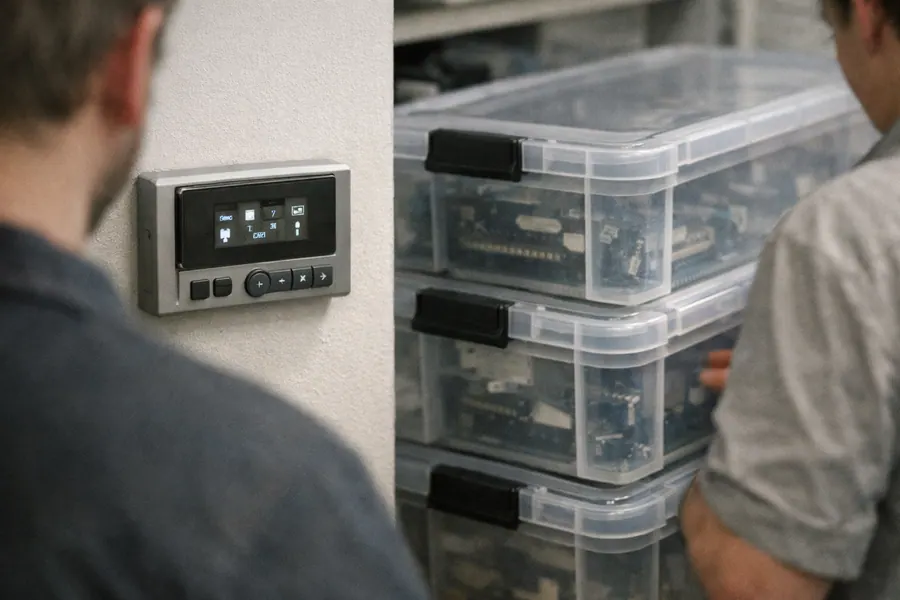
Climate-controlled units maintain stable temperature and humidity, crucial for preventing damage to sensitive electronics. This is important in regions with extreme weather, ensuring devices remain in good working order.
Monitor the climate control settings regularly. Even minor fluctuations in temperature or humidity can affect sensitive components, so ensure that the facility maintains consistent conditions.
Security Features
Prioritize security features like CCTV, gated access, and unit alarms when selecting a facility. These measures protect electronics from theft and unauthorized access, providing peace of mind.
Some facilities also offer biometric access control systems. These advanced security measures ensure that only authorized individuals can access your storage unit, further enhancing the safety of your stored electronics.
Next Steps After Storing Your Electronics
Establish a routine for checking stored electronics, especially long-term. Maintain a record of items and their locations for easy access. Regularly inspect the storage environment to ensure it remains suitable.
Additionally, consider using a checklist when retrieving items. This practice ensures that nothing is left behind and that electronics are handled with care during removal and transport.
Frequently Asked Questions
How long can I store electronics safely?
Electronics can typically be stored safely for up to a year, depending on conditions. Climate-controlled environments extend safe storage duration.
Can I store electronics in a non-climate-controlled unit?
While possible, non-climate-controlled units risk damage from temperature and humidity changes. Opt for climate-controlled options when feasible.
What happens if I store electronics without proper packing?
Improper packing can cause physical damage and decreased functionality. Use suitable materials to cushion and protect electronics during storage.
Can I store electronics during monsoon season in India?
Yes, but use climate-controlled storage to combat high humidity and prevent moisture damage during monsoon season.
How do I find affordable storage solutions for electronics?
Evaluate storage providers, compare prices and features, and consider shared or community storage options for budget-friendly choices.
Is it safe to store electronics with batteries?
Remove batteries before storage to prevent leakage and damage. Store batteries separately in a cool, dry place.
What are the signs of damage in stored electronics?
Signs include corrosion, discoloration, and components failing to power on. Regular inspections help detect and address issues early.
How do I prevent moisture damage to electronics in storage?
Use climate-controlled storage, desiccants in packaging, and avoid damp environments to prevent moisture damage.
What should I do before storing electronics for a long period?
Back up data, remove batteries, clean devices, and use protective packaging. Consider climate-controlled storage for long-term preservation.
How do I choose the right storage service for electronics?
Assess security features, climate control options, and provider reputation. Tailor the choice to your specific needs and budget.
Can I access my stored electronics anytime?
Most facilities offer flexible access hours, but verify with the provider to understand access policies and any restrictions.
What are the benefits of professional storage services for electronics?
Professional services offer enhanced security, climate control, and insurance options, ensuring the safety and preservation of valuable electronics.
This article is for informational purposes only. Service availability, pricing, timelines, and features may vary by location and operational requirements. Please contact XtendedSpace for the latest information and customized quotations.